Sorry for any inconvenience caused to your use.
I need to confirm the ZR10 firmware version you are currently using and try to reproduce the exception.
Please take a photo and share it with me. Thank you.
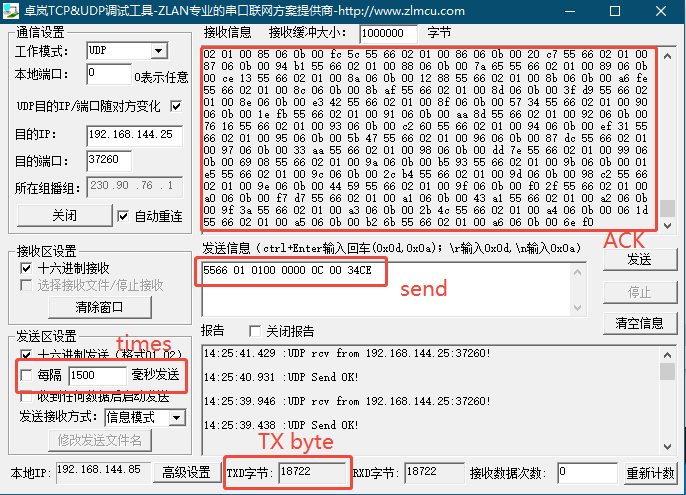
I took some time to use ZR10 for continuous photography testing. Send SDK command 0x0C to trigger photography, and send the command in a loop at intervals of 1500ms.
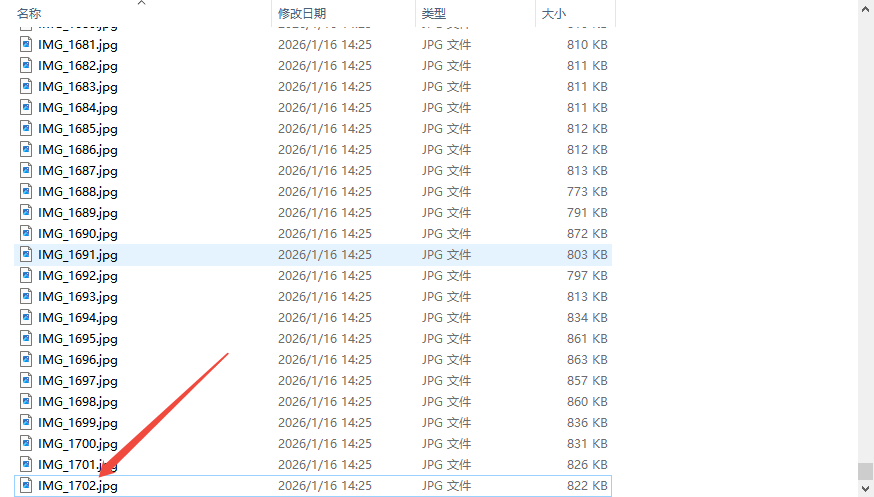
At present, a total of 18722 bytes have been sent, with each 0x0C command containing 11 bytes and sent 1702 times. Viewing the folder, a total of 1702 photos were actually recorded. I did not encounter the situation you described.
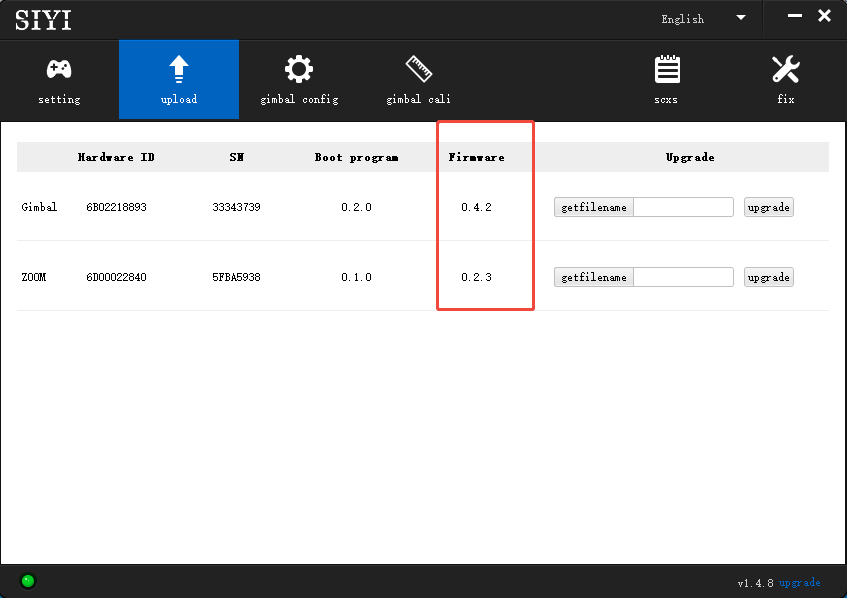
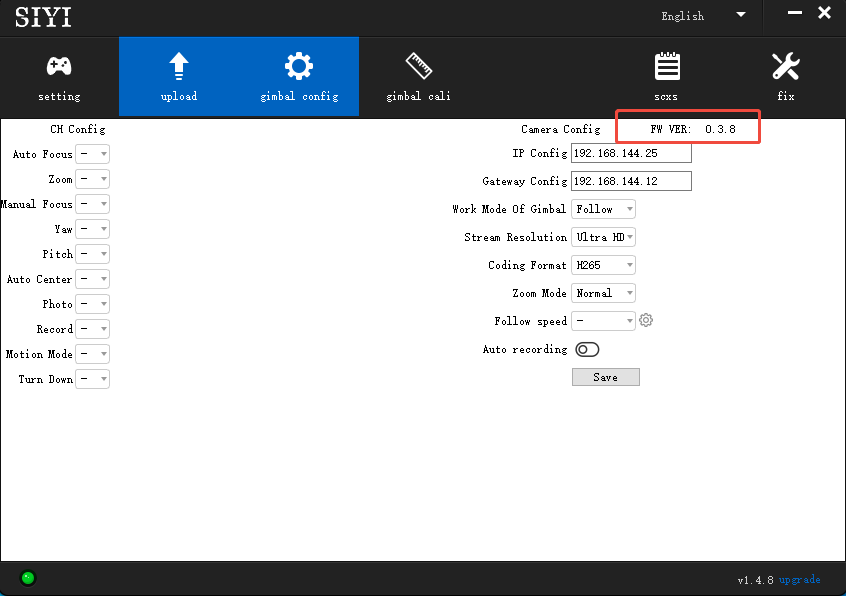
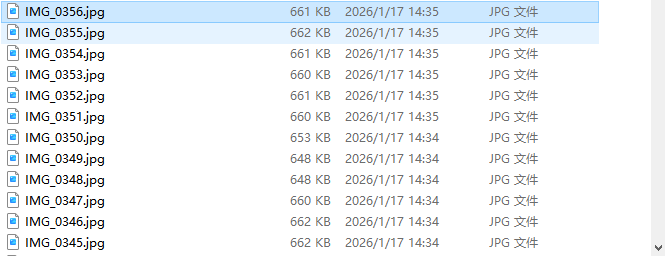
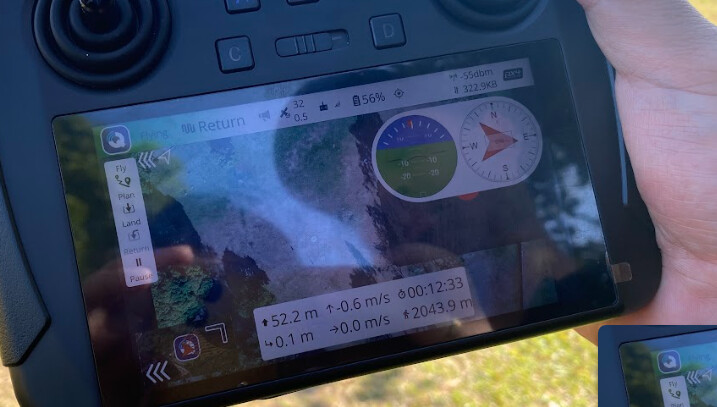
The current firmware of ZR10 is shown in the figure:
Hello sorry for not replying. I’m currently out of town. I’ll send the details here on monday when I get back home thank you.
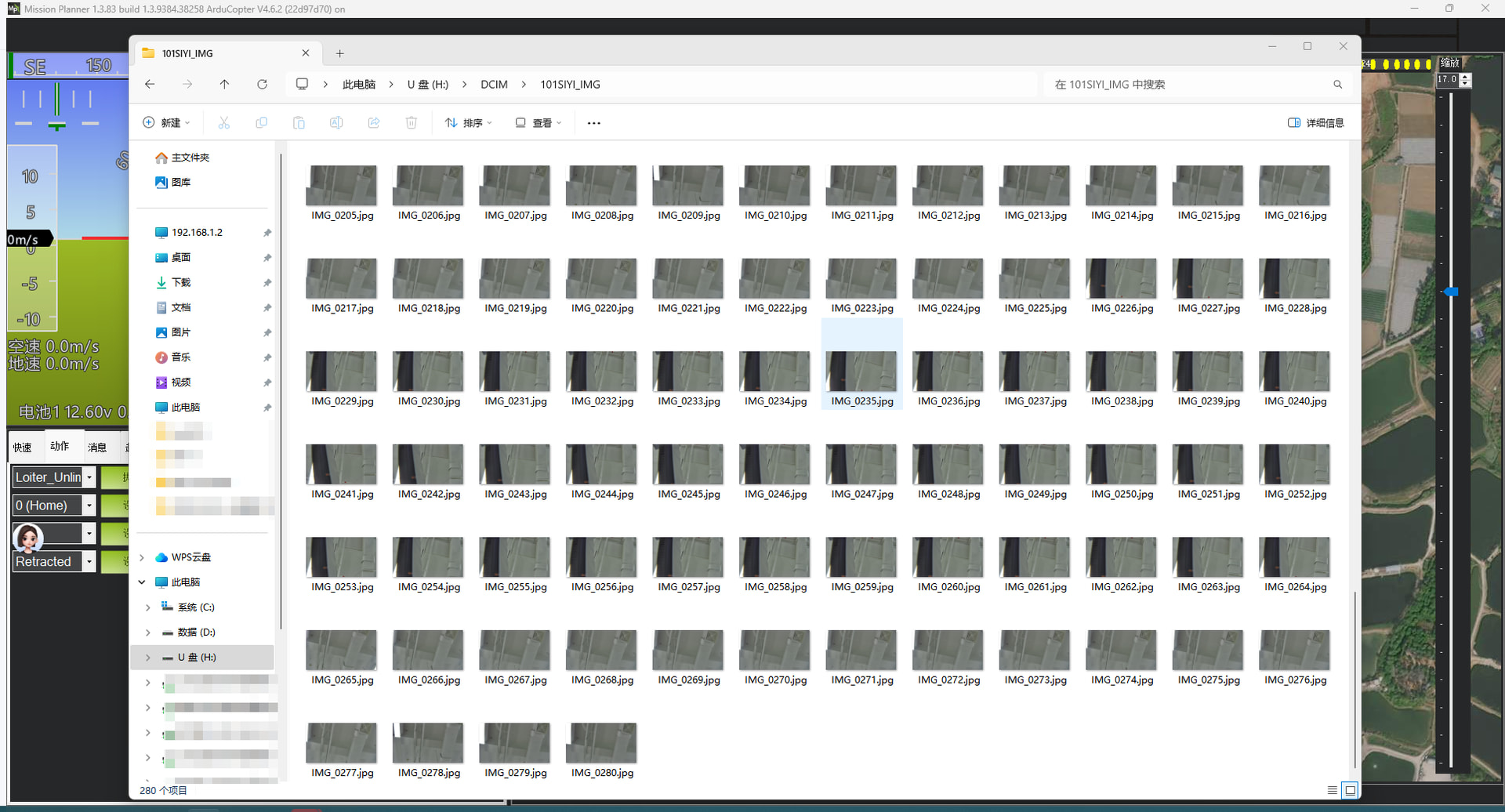
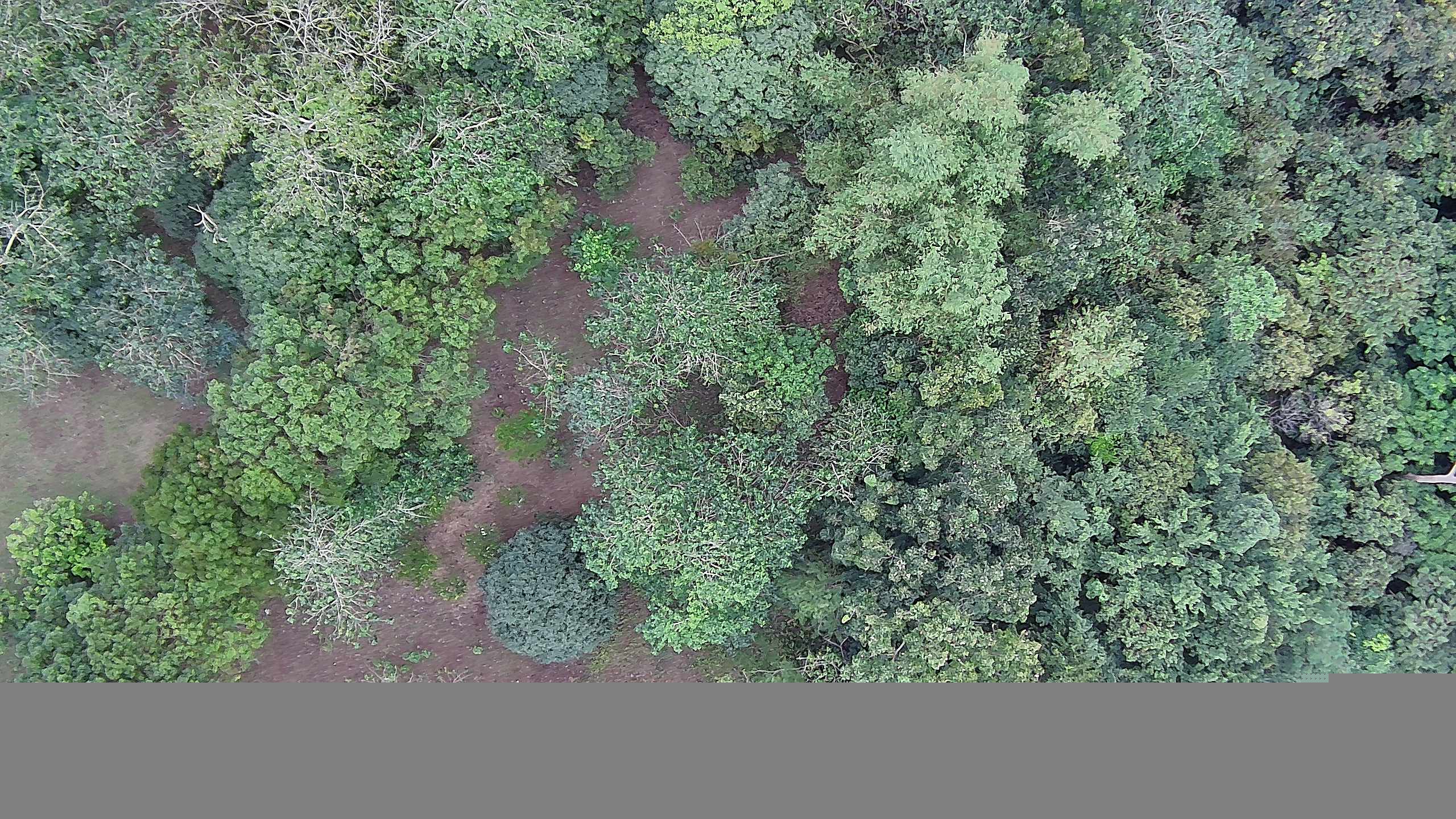
My only problem in Siyi ZR10 is when i set the mission in px4 to capture every 3 seconds, some of the captured image have grey part like it was not able to render the whole image properly.
what could be the problem there?
i see that you set zr10 to capture image every 1500ms and have gotten 1702 images. are all the images captured here is complete no greyed part?
What is the best SD card can you recommend for Siyi ZR10?
ill send my sample copy of the images with grey part and also the screenshot o firmware of the ZR10 by monday thank you
I checked over 300 consecutive photos from 1300 to 1700 this afternoon and did not encounter any gray screen phenomenon.
I will use the Ardupilot firmware to configure the MAVLink protocol for testing.
@JulianOes I’m sorry I can no longer locate logs for this image capture during mission that stops triggering capture image once the image count is 255. Ill try to recreate the mission and submit the logs here this week.
@SIYI_Support Hello this is the sample of grey part images we encountered during mapping.
also for the firmware of our ZR10 I forgot to take screenshot but it is same like what you posted
I updated it last month using the firmware posted in siyi website for ZR10.
Gimbal Firmware is v0.4.2
Zoom Firmware is v0.2.3
Camera Firmware is v0.3.8
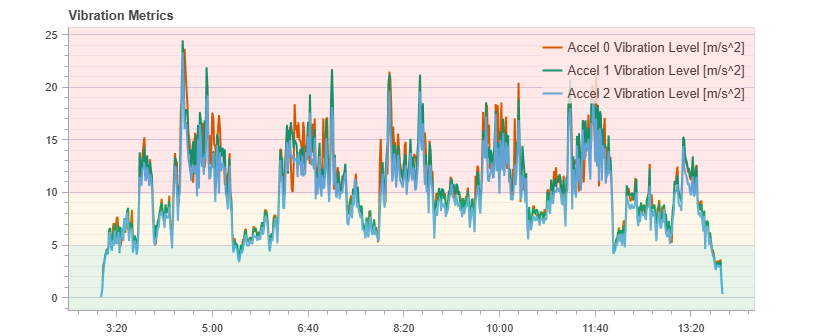
this is the vibration of the UAV during mission ( mission + capture image every 3 seconds)
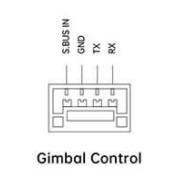
You have used a software to simulate capturing image every 1500ms . is there a way to replicate this by using esp32(microcontroller) thru SBUS or UART of ZR10?
like for example in siyi App
setting capture image button of ZR10 in channel 10 then letting esp32 to set pwm(high) to this channel every 2 to 3 seconds for 5min to simulate capturing images like in waypoint mission.
I need to communicate with the R&D engineer to see if it is possible to use MCU to send data to UART serial port for control. I will synchronize with you here if there is any news.
I would like to know more information. Could you please provide me with the following:
How long have you been using this ZR10?
Could you please provide the SN or QC card photo of this camera.
Did this type of malfunction occur repeatedly during previous use (before and after firmware updates)?
Regarding the issue of the limit on the number of photos taken to 255, we found that MAVLink seems to stop after taking 255 photos. You can try changing the CAMVNet MAX_CNT parameter to 0 and testing again.
Perhaps you can share your flight control firmware version and parameter configuration. Let’s set up the same environment to test it.
I will try updating the camera once I came back home and test it.
How about this part
Regarding the issue of the limit on the number of photos taken to 255, we found that MAVLink seems to stop after taking 255 photos. You can try changing the CAMVNet MAX_CNT parameter to 0 and testing again.
where to see this CAMVNet MAX_CNT? is there parameters needed to be enable to unhide or unlock this parameter option?
for the flight control:
Im currently using pixhawk 6x
with px4 v15.4 firmware
Ill ask my friend to send me a copy of the the params I used on the flight controller and send it here.
I have tried your suggestion but was not able to find the parameter you are suggesting.
Regarding the issue of the limit on the number of photos taken to 255, we found that MAVLink seems to stop after taking 255 photos. You can try changing the CAMVNet MAX_CNT parameter to 0 and testing again.
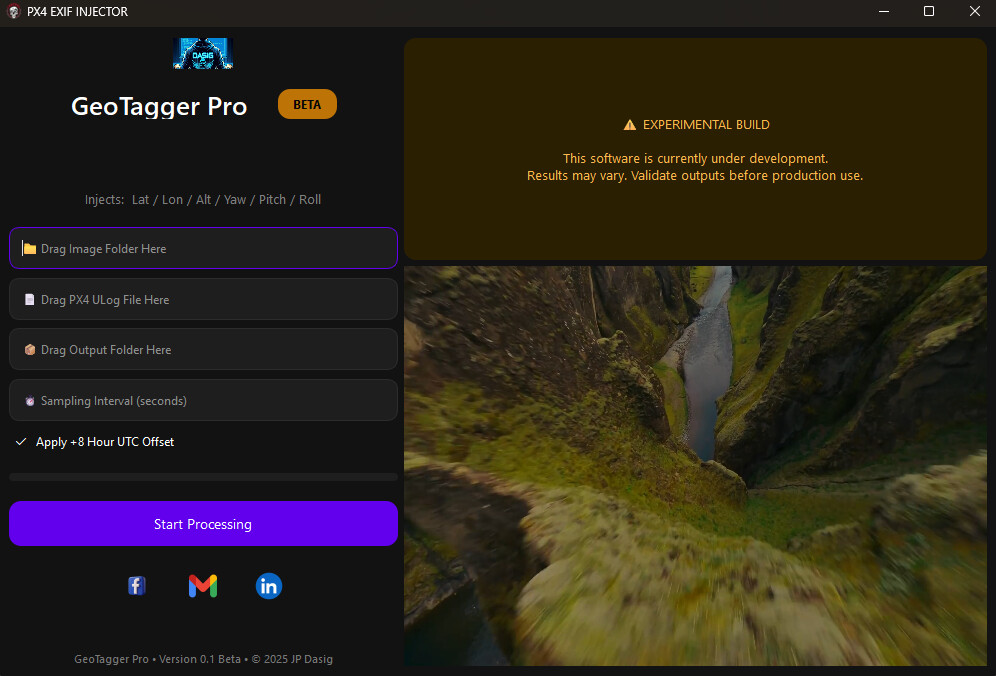
Currently I built a python app for injecting GPS (lat, long, and alt) , Pitch, yaw and roll to images.
I noticed that when I capture images in siyi ZR10 the date is correct but the time is less than 8 hours in our time zone so I added in my app the automatically add 8 hours to all images.
so the images captured during survey mission can be used for photogrammetry (pix4d)
@JulianOes Hello sir,
is CAMVNet MAX_CNT parameter available in v1.15.4 of px4? I cant seem to find it when building the firmware thru boardconfig . in the ox4 documentation I cant see it too. default setup its not showing. I just confirmed that during mission + autocapture image it stop capturing image when it reach 256 images captured. Siyi recommended this CAMVNet MAX_CNT to be changed but cant find to enable it.
@SIYI_Support Hello I started testing MT11 siyi Unipod with same params used on ZR10. one Thing I notice is that the camera basic settings is not showing in qgroundcontrol. when I used ZR10 it displays camera buttons like capture image , zoom, etc. but in when I change the it from ZR10 to MT11 it only displays video. when I try mission with Auto-capture, the MT11 capture the images but no displaying of photo capture success. unlike in ZR10 where I can see it. Also MT11 have “SOMETIMES” proper time and date and also have geotagged in the images captures but in my last mission mode the MT11 images captured have dates of 1970-01-01 but it has geotagged correctly.
Current Problem :
ZR10 :
Correct Date but Time is in UTC ( I have made a small program to fix this )
After updating to latest firmware have greyed atleast 2 to 3 images out of 256 images captured (workable)
in this video the UI of qgroundcontrol is not showing any indication that the MT11 is capturing image but we can see the live stream is like stuttering like it was capturing image. we confirm in the sd card that it has captured images.
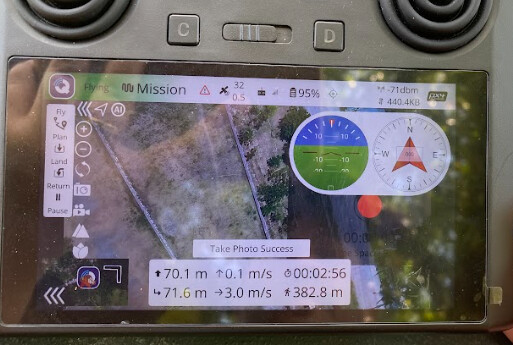
in Siyi ZR10 it displays notification in the middle bottom “capture image success” every time it captured image. when it stop capturing image we can assume it reach 256 images captured.
in MT11 we cant say when the camera reached 256 images captured( which is a problem ).
“I need to verify the CAMVNet MAX_CNT parameter again. Please disregard it.”
“Regarding the time offset issue. When your ZR10 takes photos, it connects to the flight controller and fuses data, so the time should come from GPS time synchronization. May I ask which hemisphere your location is in? Since you mentioned that the MT11 works normally, I think it is related to the geographical location.”
“The MT11 is a second‑generation gimbal, newly released. However, SIYI QGC has long ceased maintenance and updates. Therefore, they are incompatible.”
“Thank you for your feedback. The gray issue when taking photos with the new firmware has been reduced, but it still exists.”
You can try UniGCS. This ground station software is independently developed by us and can be used for flight controller connection and parameter tuning, as well as for gimbal and camera parameter tuning.
Regarding the issue of incorrect date and time recorded by the ZR10, is it that the time in the EXIF data is incorrect? Do you have any original photos with incorrect date and time? Please share them with me for problem analysis.
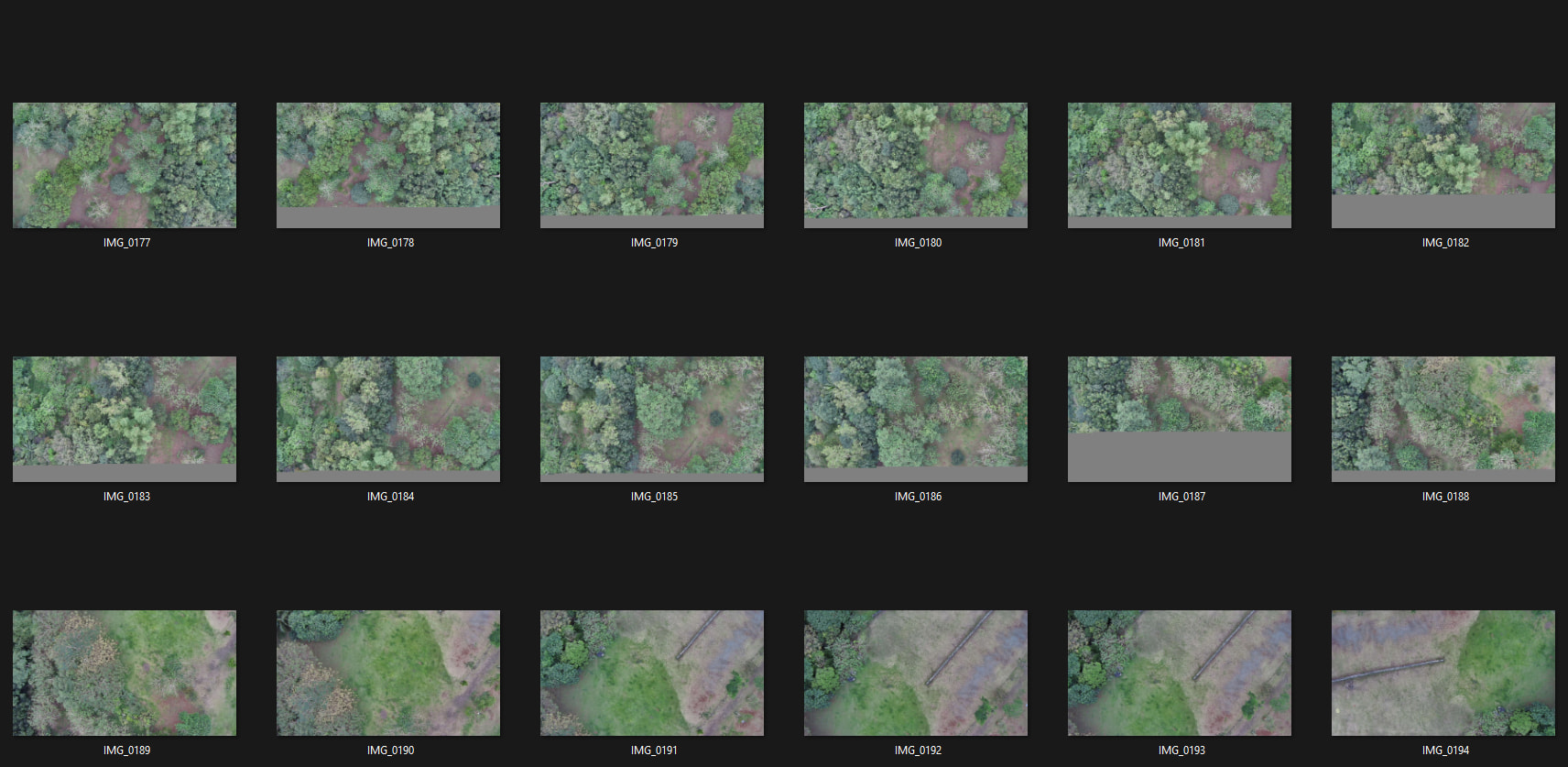
Here is a folder of ZR10 Raw Data
this images where untouched so no modififications where made here
It also includes a folder for Raw Images of MT11
As you can see. the Images of MT11 has proper Geotagging but the time is date is wrong.
In ZR10, Images have no Geotagging in its metadata. the time used is UTC 00 so during GPS injections I add +8 hours to all images then I used the ULG(pixhawk Logs) To match the GPS based on the time and date.
Note that, in this test I used only 1 drone. I just changed the camera. Params that was set on Px4 firmware in QGROUNDCONTROL was used in both Cameras thru Telem port 3 in the pixhawk 6c.
@SIYI_Support The Date and Time in ZR10 images where in UTC base so I need to add +8 hours to every images it captures to match the exact time and date it was taken.
When I use MT11 it sometimes gives Correct time and date but some it does not give correct time and date and have dates of 1970-01-01 12:00am. though Im currently not thinking about it since all of its images have geotagging already.
For now, Im using an app written in python to add +8 hours to each images then injects the gps on each images base on time from the Ulog file of the drones it was used.
@JulianOes
So the biggest problem for me now is that the max image capture per mission is 255 images and its stop there, Im currently trying to look the px4 source code maybe I get lucky and find what is causing this or maybe you can tell what should I be looking for exactly hehe.


 Setup
Setup Issue Observed
Image capture always stops when the image count reaches exactly 255 photos
 Questions for the Community / Devs