I’ve been trying to generate a custom PX4 firmware with CRSF and ELRS support.
I’m using a Ubuntu box, and a new account so it’s not got anything installed that shouldn’t be.
I couldn’t find a wiki for the build process, so I used Microsoft Co-Pilot to walk me through it all. It’s not hard - as long as you know what you’re doing. (like most things)
After generating custom firmware and installing it, the necessary parameters don’t appear. I tried defining them as defaults in config files - but they didn’t help.
I started poking around the version 1.16 repository - and I’m not sure CRSF support is in there.
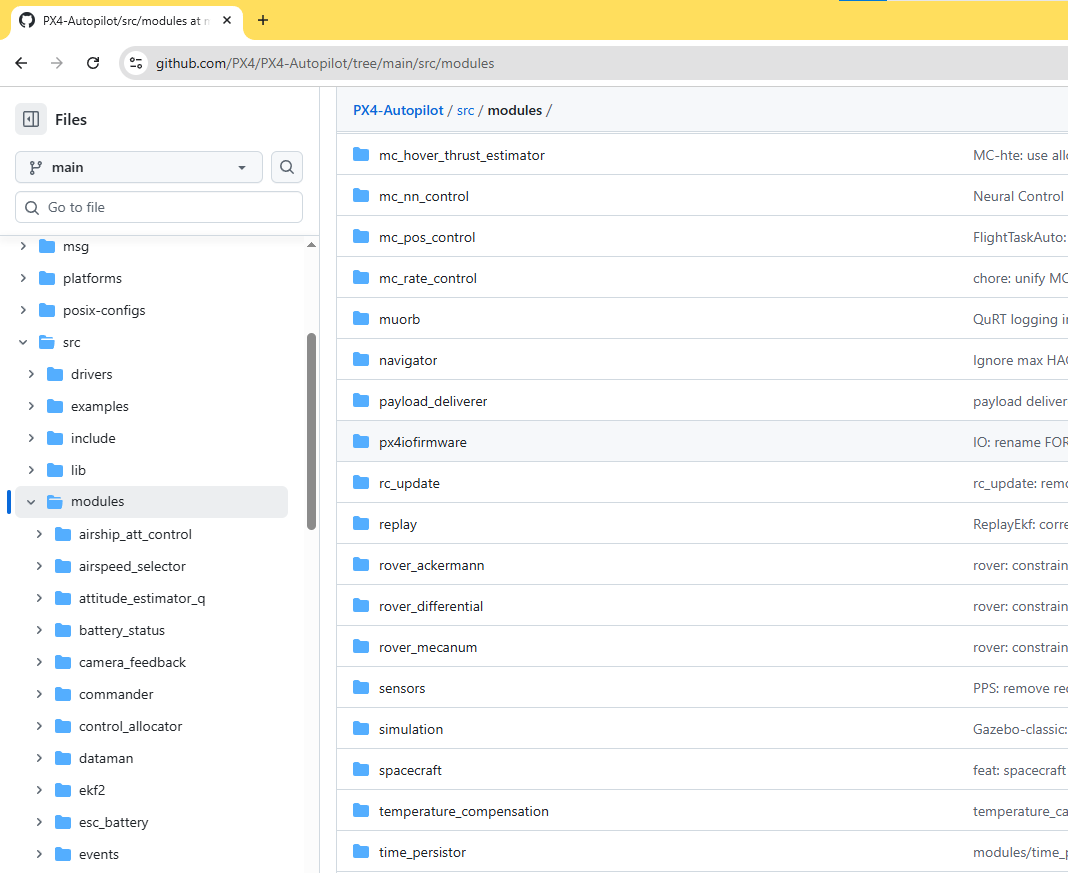
My research indicated that there should be a directory in the repo: src/modules/rc/crsf
I think co-pilot is failing you, try Claude. Also a quick google search should have gotten you there.
You shouldn’t need a custom build, all that is required is CONFIG_COMMON_RC=y or DRIVERS_RC_CRSF_RC=y in the .px4board for the target you’re using. Also ensure RC_CRSF_PRT_CFG param is set and that nothing else is configured on that port.
Indeed - I had gotten bad direction from Microsoft Co-Pilot on this issue.
I posted about it on the FaceBook ELRS group and got a reply back from Chris Seto - who wrote the current PX4 CRSF driver. He helped point me in the right direction.
I learned that PX4 has the ability to easily include or exclude modules or drivers using the “make” process. (using boardconfig) Chris got me headed that way by sharing his post: Reptile Dragon 2 (RD2) Build | PX4 Guide (main)
In case it helps others who find this post in the future, here are a few notes:
Building custom PX4 firmware is really easiest when done on a Linux box running the LTR Ubuntu. I keep a Raspberry Pi around just for such jobs - and it worked perfectly for this.
When you clone the PX4 repo, the default version you get is the latest development version. You have to include some special parameters when cloning to get the current stable version which will likely be older than the current “alpha” version.
The current CRSF driver replaces an earlier one. Watch out for documentation or posts that refer to the older CRSF driver.
Presently, the CRSF driver reports LQ, but it’s not in the Qgroundcontrol telemetry. It does appear in the logs.
To make it easier to see the actual fields in the log, I wrote a program that makes fairly easy. It works like the log plotting in Mission Planner. It allows access to all fields. Many data reported by tools like Flight Review report derived data. My program plots the actual field values. You can download it here: https://drive.google.com/file/d/1uwNJ-xTZ-e4Kff4LcCM78xUlwa3KMa8Z/view?usp=sharing
Once again - thank you all for your kind responses.