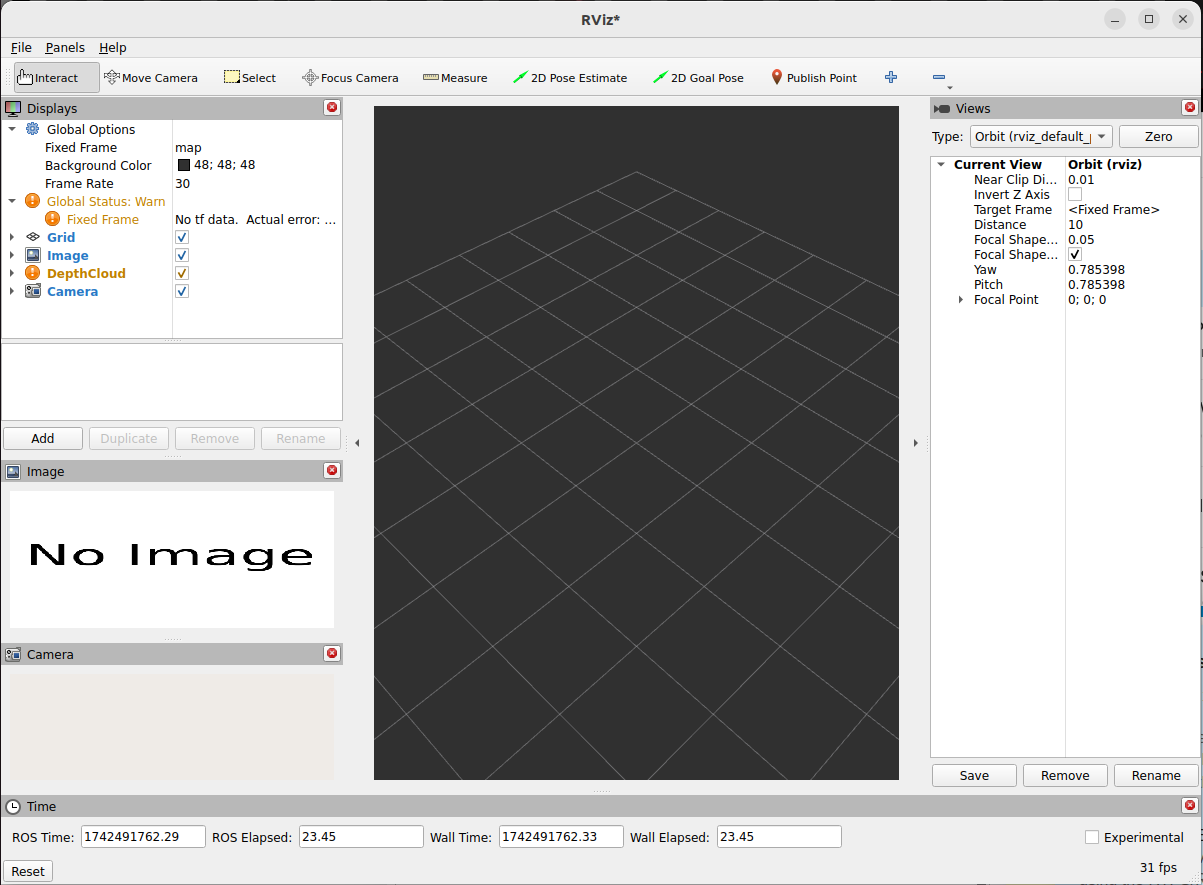
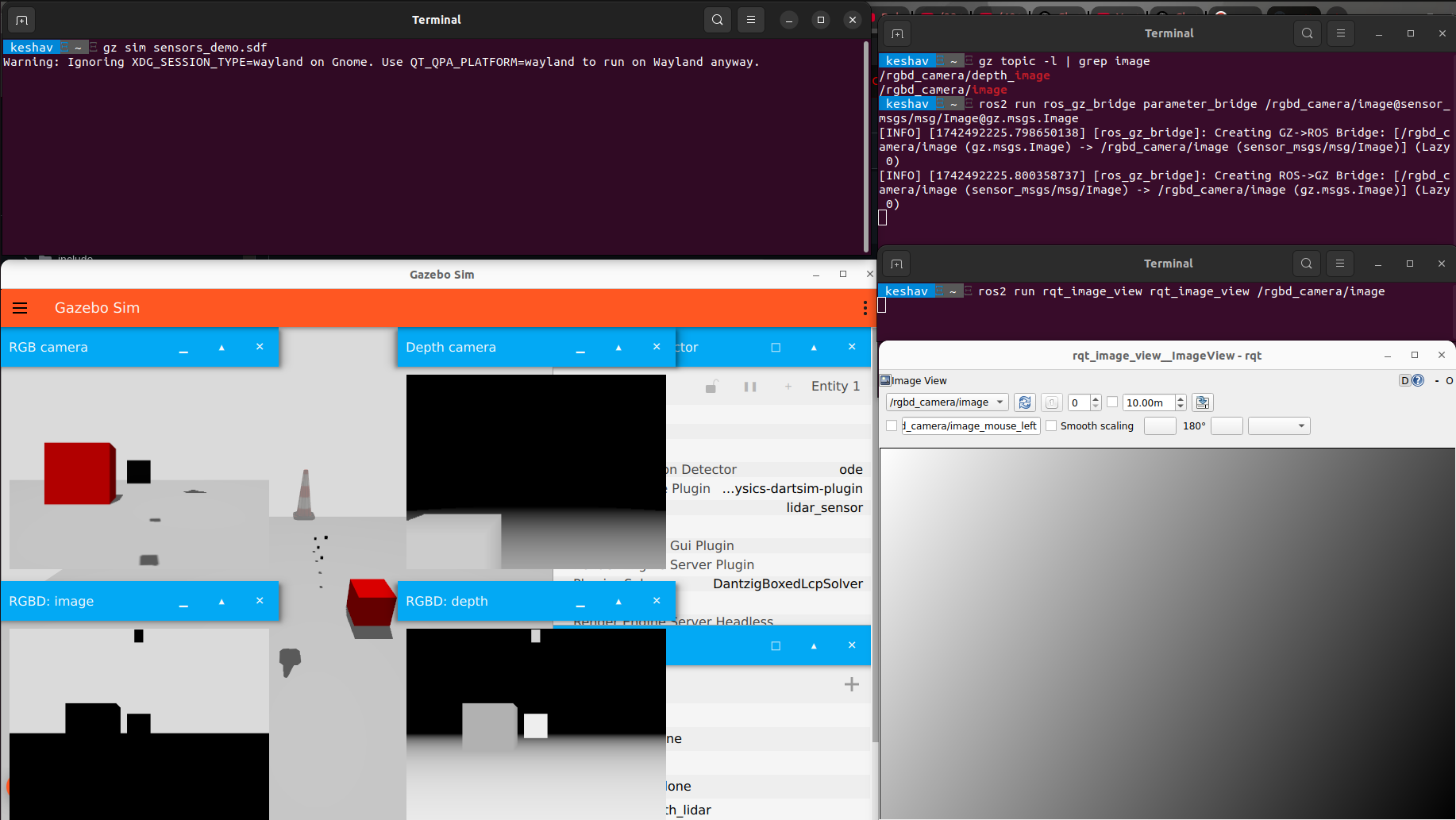
Hi, I am using the basic software stack for simulating x500 on PX4 gazebo to try and use camera to run a few perception tasks. I am using ROS2 and PX4 with PX4 gz to try and get the simulation camera footage. The issue that I am running into is that I am not completely sure how to get the simulation camera footage in rviz2. I am using the ros_gz_bridge using this command below:
First we start Gazebo Sim (don't forget to hit play, or Gazebo Sim won't generate any images).
# Shell A:
gz sim sensors_demo.sdf

Let's see the topic where camera images are published.
# Shell B:
gz topic -l | grep image
/rgbd_camera/depth_image
/rgbd_camera/image

Then we start the parameter bridge with the previous topic.
# Shell B:
. ~/bridge_ws/install/setup.bash
ros2 run ros_gz_bridge parameter_bridge /rgbd_camera/image@sensor_msgs/msg/Image@gz.msgs.Image

Now we start the ROS GUI:
# Shell C:
. /opt/ros/rolling/setup.bash
ros2 run rqt_image_view rqt_image_view /rgbd_camera/image
However, when I run this as well. I get no image as seen in the image below:
and then make sure terminals
-MicroXRCEAgent udp4 -p 8888 working
one terminal publising
-cd ~/ws_sensor_combined
-source install/local_setup.bash
-ros2 run ros_gz_bridge parameter_bridge /world/default/model/x500_gimbal_0/link/camera_link/sensor/camera/image@sensor_msgs/msg/Image[gz.msgs.Image (make sure from gz topic -l )
and the other terminal or python code should be started under
-cd ws_sensor_combined
–source install/local_setup.bash
you can see with
ros2 topic list
ros2 run rqt_image_view rqt_image_view or
ros2 topic echo /world/default/model/x500_gimbal_0/link/camera_link/sensor/camera/image
Are you able to echo and see the contents in the gazebo topic?
For example: gz topic -e -t /front_camera
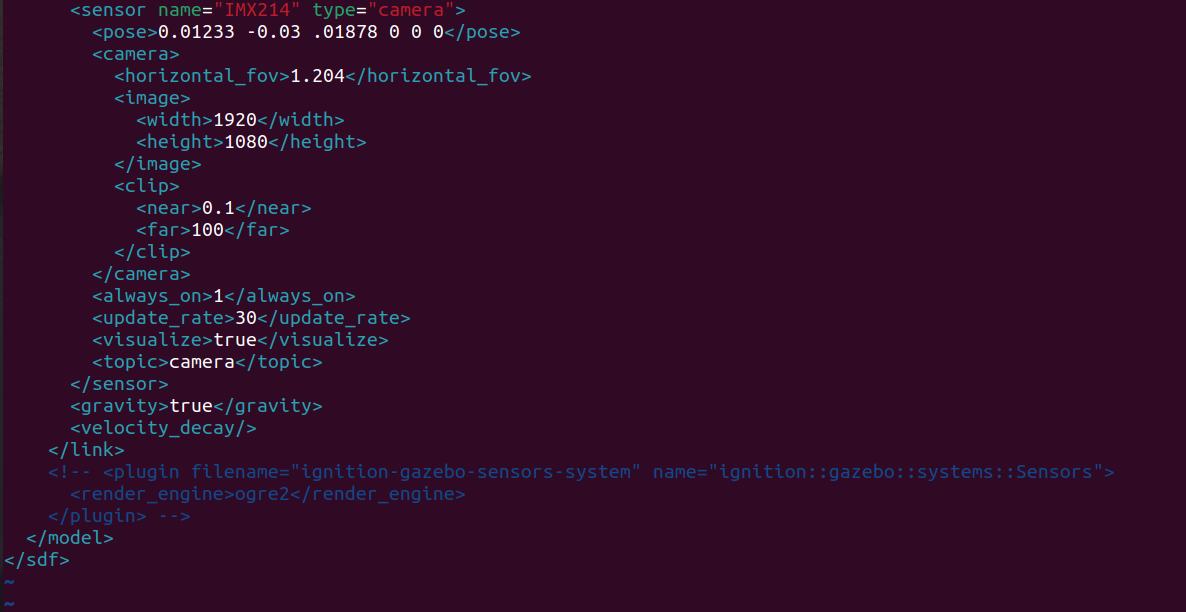
Also it might be good to check the camera topics in their respective sdf files
For example, in ~/PX4-Autopilot/Tools/simulation/gz/models/OakD-Lite:
The name of the gazebo topic is listed here in the sdf file
I can see data flowing for “gz topic -e -t /camera”.
The issue is how the bridge handling this gz topic and converting to ROS2 topic(or how I understand it ). Even with gz is publishing camera data, the command “ros2 run ros_gz_image image_bridge /camera” don’t give any output. Even attaching this topic to a subscriber with QoS settings did not help me.
Btw, I am using px4 1.15.2 , ros2 humble, Gazebo Harmonic(7.9.0).
Hmm, if its a ros_gz_bridge issue maybe can try some examples from here: ros_gz/ros_gz_bridge at ros2 · gazebosim/ros_gz · GitHub or build the package from source?
I ran ros2 run ros_gz_bridge parameter_bridge /camera@sensor_msgs/msg/Image[gz.msgs.Image
with the same output and I can see the image on my foxglove pane: [INFO] [1763635094.468501807] [ros_gz_bridge]: Creating GZ->ROS Bridge: [/camera (gz.msgs.Image) → /camera (sensor_msgs/msg/Image)] (Lazy 0)
When I use the first option of pulling the image from dockerhub, yes ros2 run ros_gz_image image_bridge /camera works(even though i faced some issue with graphics, i managed to run with CPU alone!). But when I use the second option of building dockerfile give(and you see it uses main branch) it fails to execute ros2 run ros_gz_image image_bridge /camera. I then updated the dockerfile with 1.15.0 as mentioned in the description still not working.!
I dig deep, looks like he used v1.15.0-beta1-2622-gc9f64aeea8 , maybe that was the reason(with c9f64aeea8 tag).
Later I tested with c9f64aeea8, still not solved. This one is going in mystery.
Hi, have you managed to solve this issue? I’m also struggling with it. Ros2 humble, ubuntu 22.04, gazebo harmonic 8.10. I can see the camera topic, view it in gazebo, but the bridge is not working. I tried different drone setups, different PX4 release branches, to no avail.
I just want to be able to access the camera feed in ROS2 to do basic aruco tag detection but it’s taking forever.