Hoping someone can help me out. I have a Pixhawk 6C Mini running PX4 and I’m trying to connect an FrSky R-XSR to it.
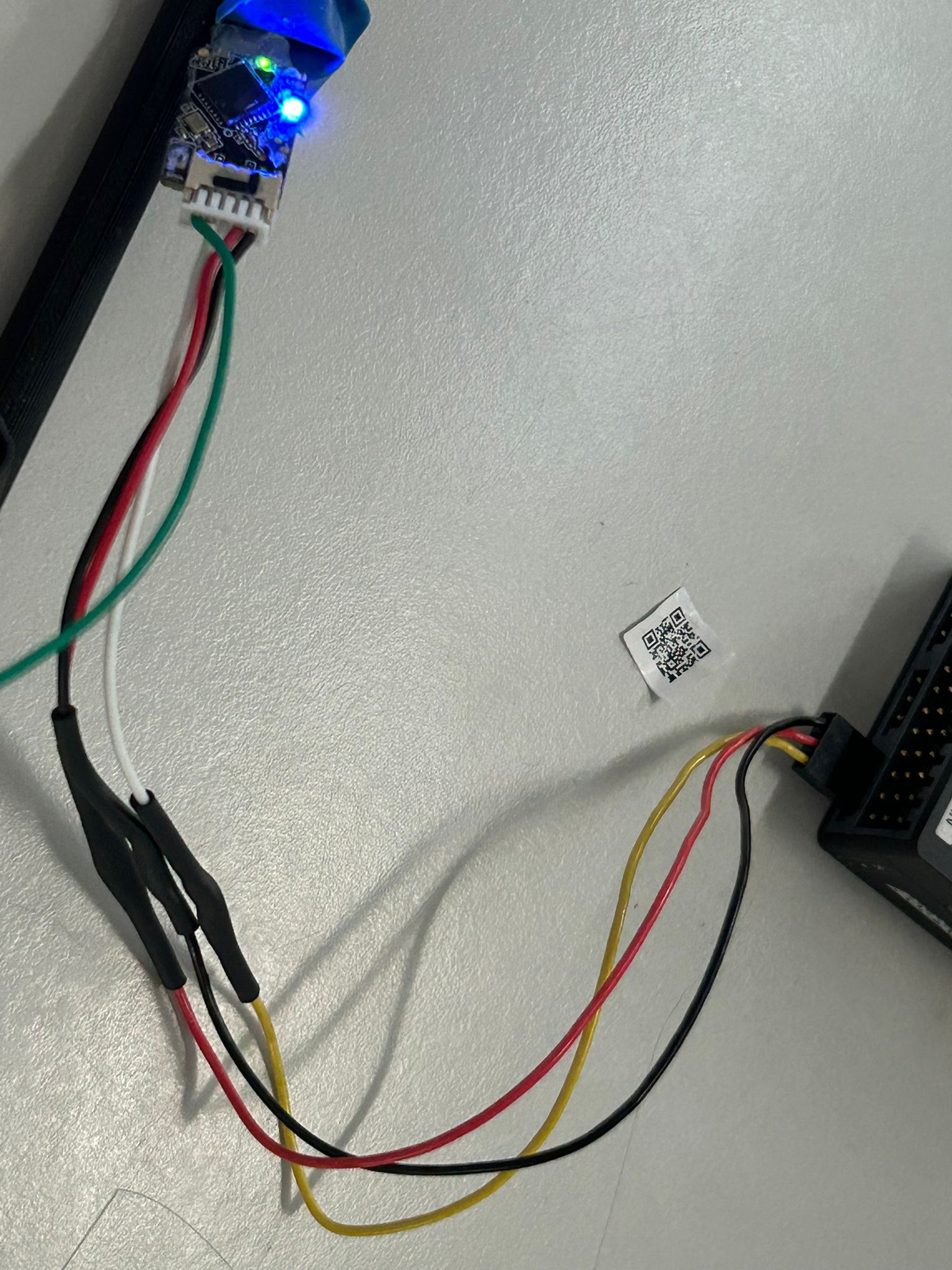
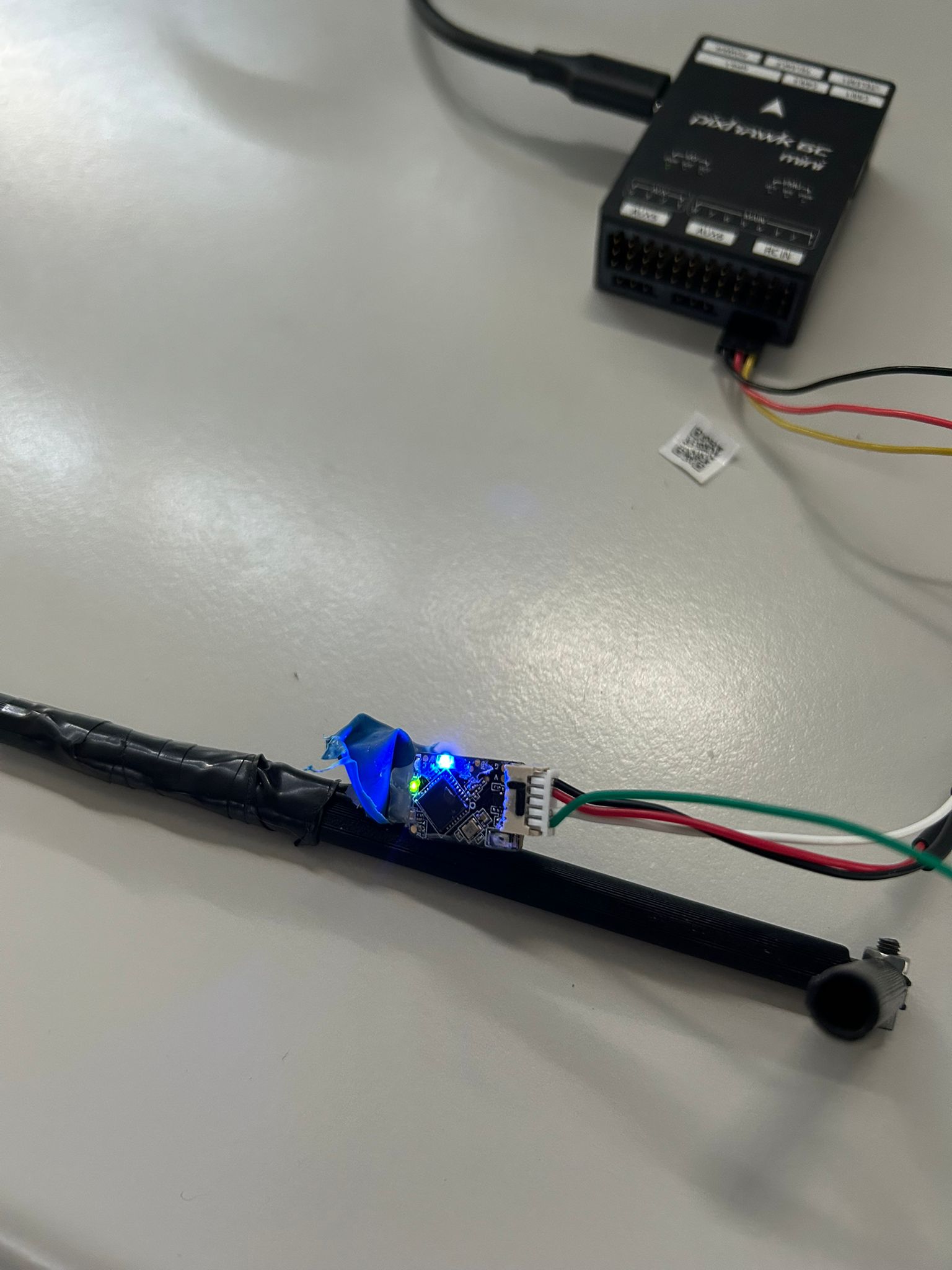
The R-XSR is bound correctly to my controller ,I have a solid green LED indicating a stable link, and a solid blue LED which (per the manual) means it’s set to SBUS output mode.
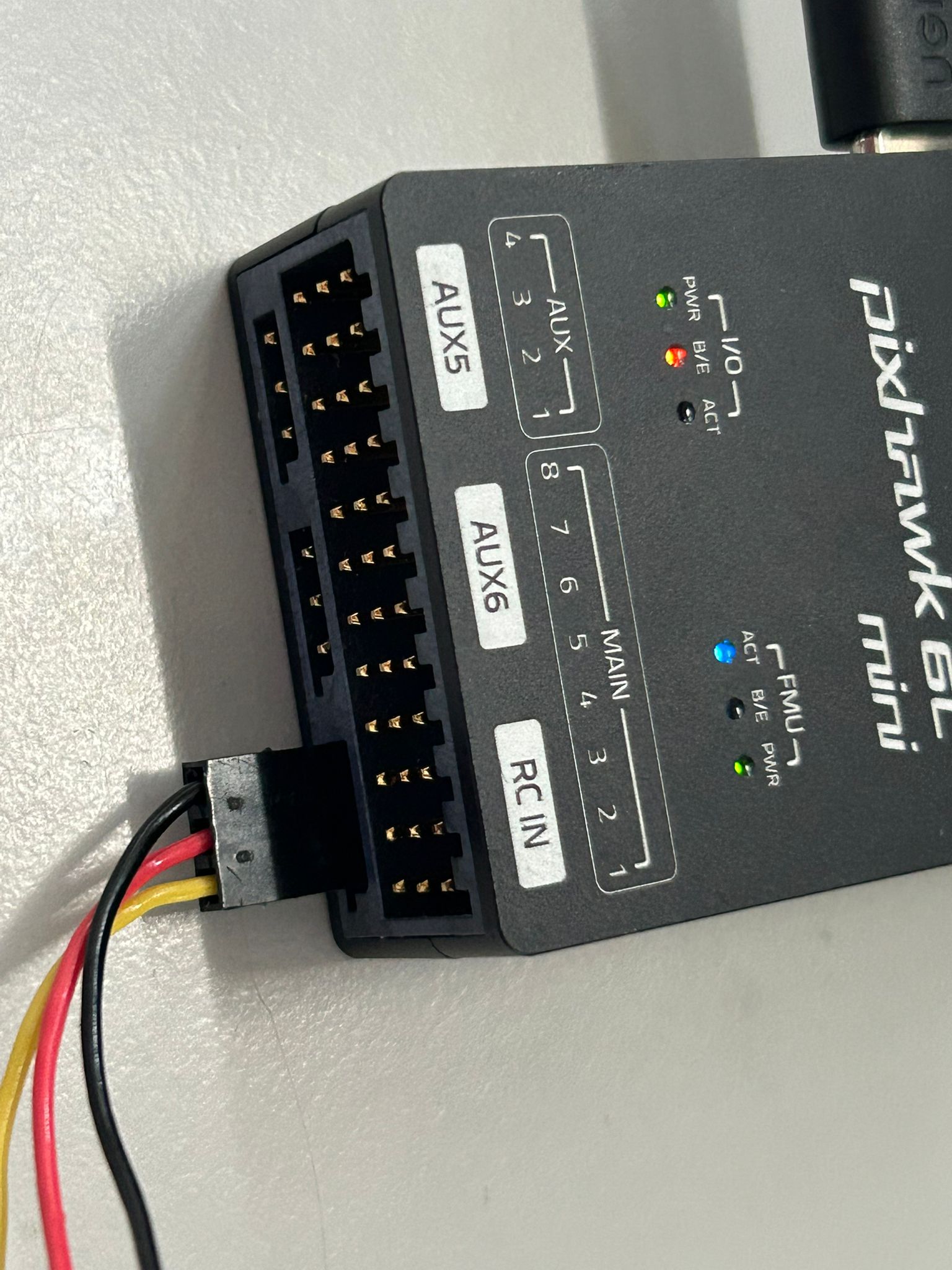
The receiver is wired to the Pixhawk’s RC IN port with: SBUS-OUT → signal, +5V → VCC, GND → GND. I’ve verified continuity end-to-end on the cable with a multimeter, no shorts.
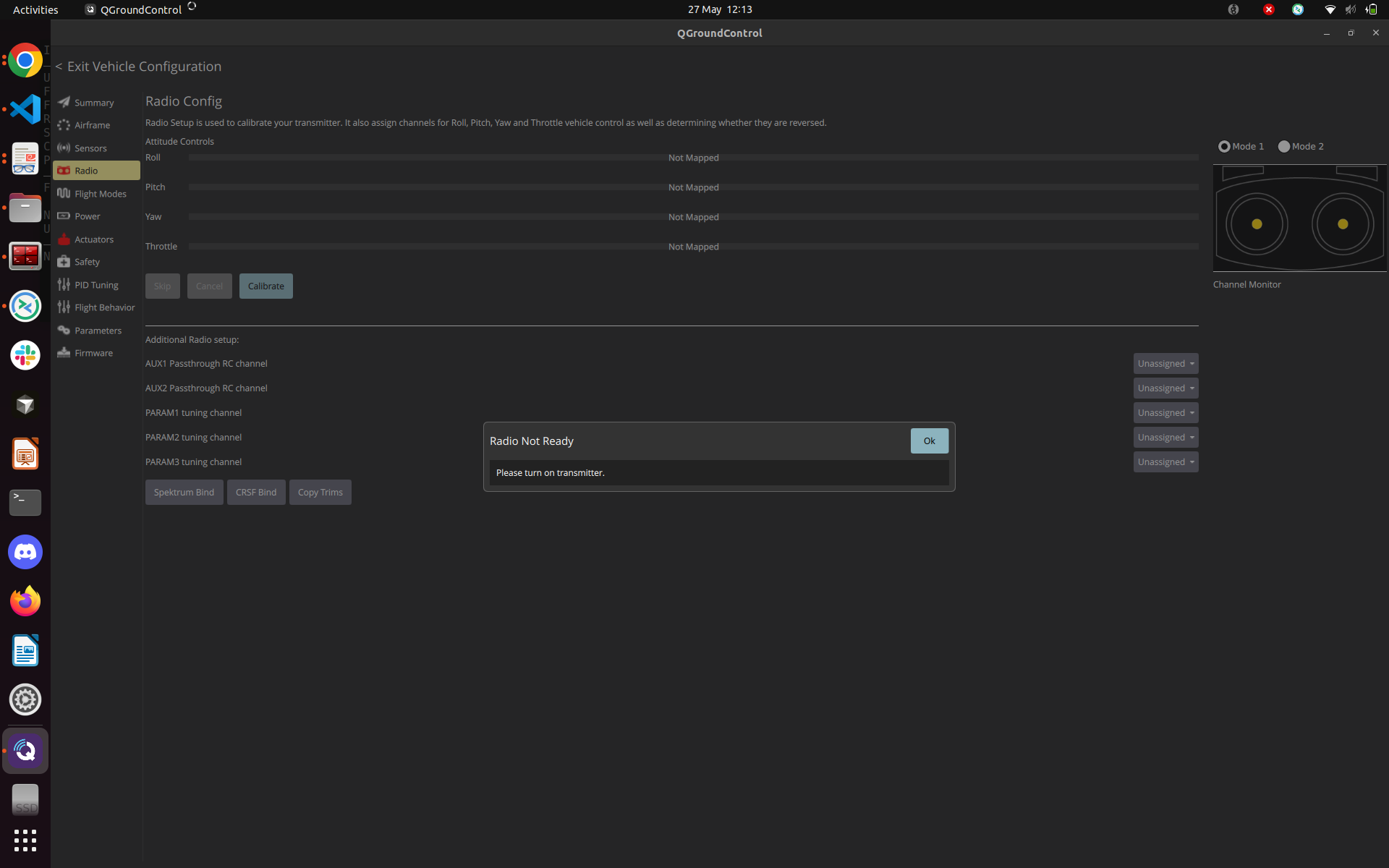
The issue: in QGroundControl, the Radio setup page shows “Radio Not Ready - Please turn on transmitter,” and no channels respond when I move the sticks. The transmitter is on, the receiver LEDs stay solid throughout.
What I’ve checked so far:
Cable continuity (good, no shorts)
COM_RC_IN_MODE = 3 (RC or Joystick)
Power-cycled the Pixhawk after every change
Any ideas what I might be missing? Could the R-XSR be in CPPM mode even though the blue LED suggests SBUS? Is there a PX4 parameter I should check beyond COM_RC_IN_MODE?
PX4 should grab this basically.
What is your power sequence? You power everything together? Can you try powering your receiver first and the Pixhawk and see if this is solved?
Thank you for the feedback! The thing is that the transmitter used to work with another FC, so I am worried that the problem might be the pixhawk itself
This is my hypothesis and tell me what you think about it. So I managed to make it work with another receiver which is using the ACCESS protocol instead of the ACCST D16, could it be possible that pixhawk doesn’t support ACCST D16? Maybe it’s written somewhere but I lost the information.
No, Pixhawk fully supports ACCST D16. The FC doesn’t care about the air protocol between your TX and RX, it only reads SBUS off the wire, and SBUS is identical regardless of whether the link is ACCST D16 or ACCESS.
The fact that it works with a different receiver points to a hardware or configuration issue with the R-XSR itself, not a protocol incompatibility. A few things to try:
In the MAVLink console run rc_input status and share the output. That will tell us if the driver is running and on which port.
Try powering the receiver separately (external 5V) before the Pixhawk boots, to rule out a power sequencing issue.