QGC cannot get Holybro F9P RTK fix

Hi team,

I am trying to set up the Holybro F9P RTK modules on my drone, but it seems QGC cannot get RTK fix correctly. I have a couple of questions.

  1. For the base with antenna connecting to my Macbook Pro 2021, QGC can show the RTK logo, but it couldn’t get any satellites. And I could only get a normal 3D GPS fix showing down below.
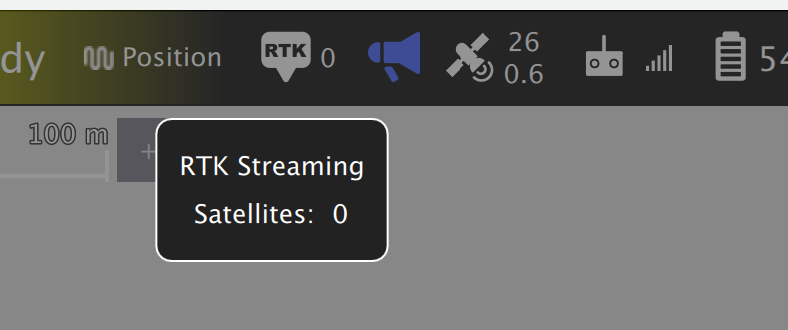
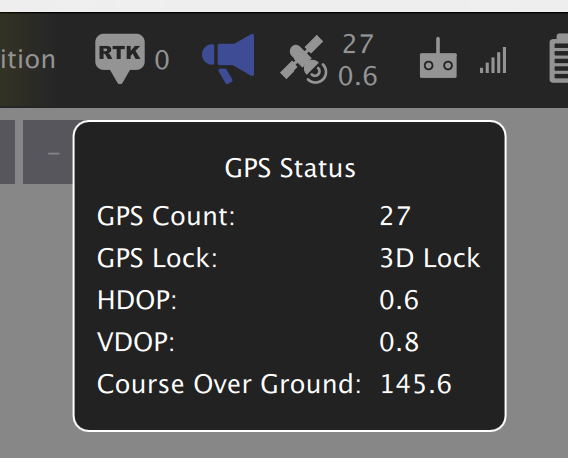
Screen Shot 2022-05-28 at 4.02.38 PM

I am using QGC 4.1.4 mac version.

  1. For the rover module on the drone, only the 3D fix light could blink during the flight.
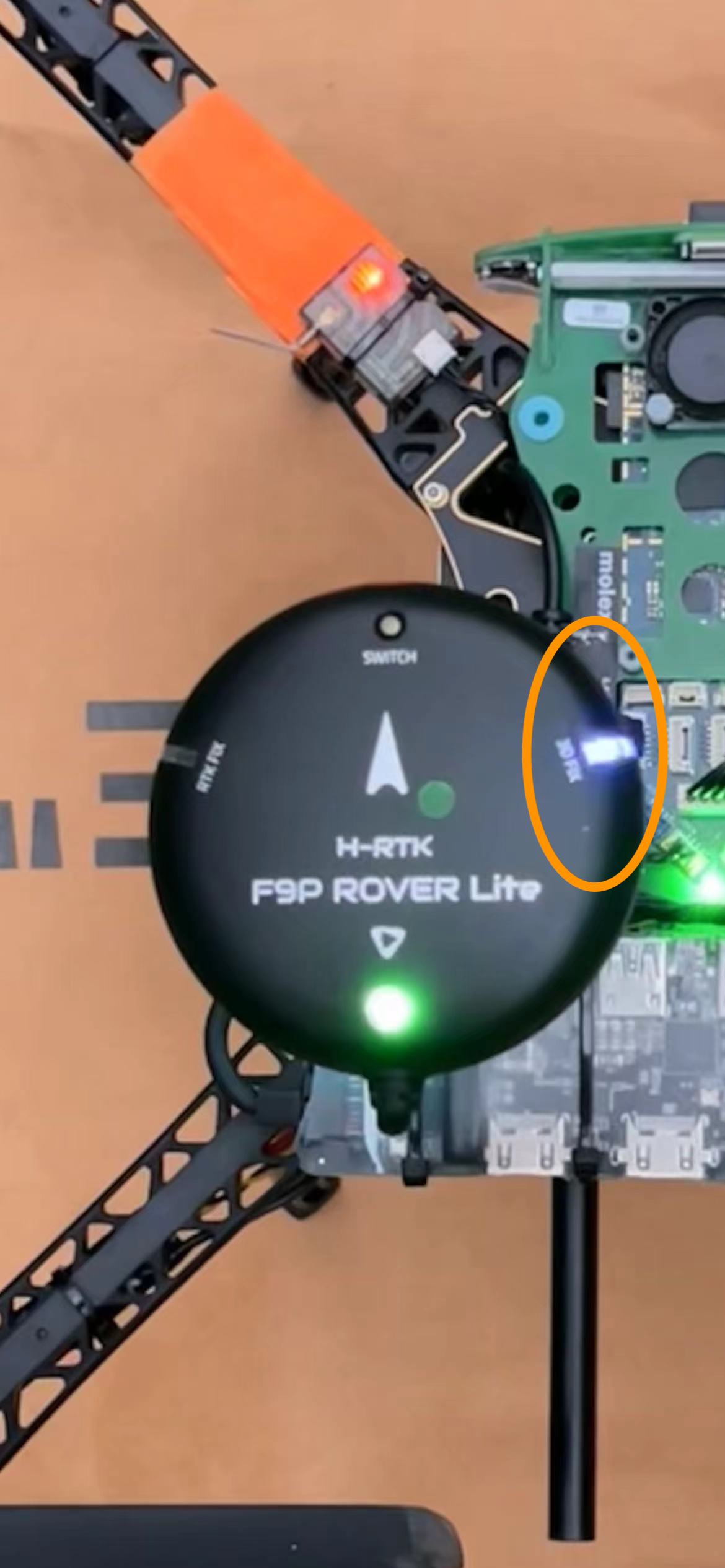
I expected the RTK fix should blink on the left hand side. Also, for GPS driver version, I am using this one: GitHub - PX4/PX4-GPSDrivers at bcd57ae2396fe0fd88b725d81a686e072ef0ecc9. It’s committed on Apr 29, 2020.

So, can you please advise how could I enable the RTK fix with base module correctly? And where could I locate the log of the issue? Many thanks.
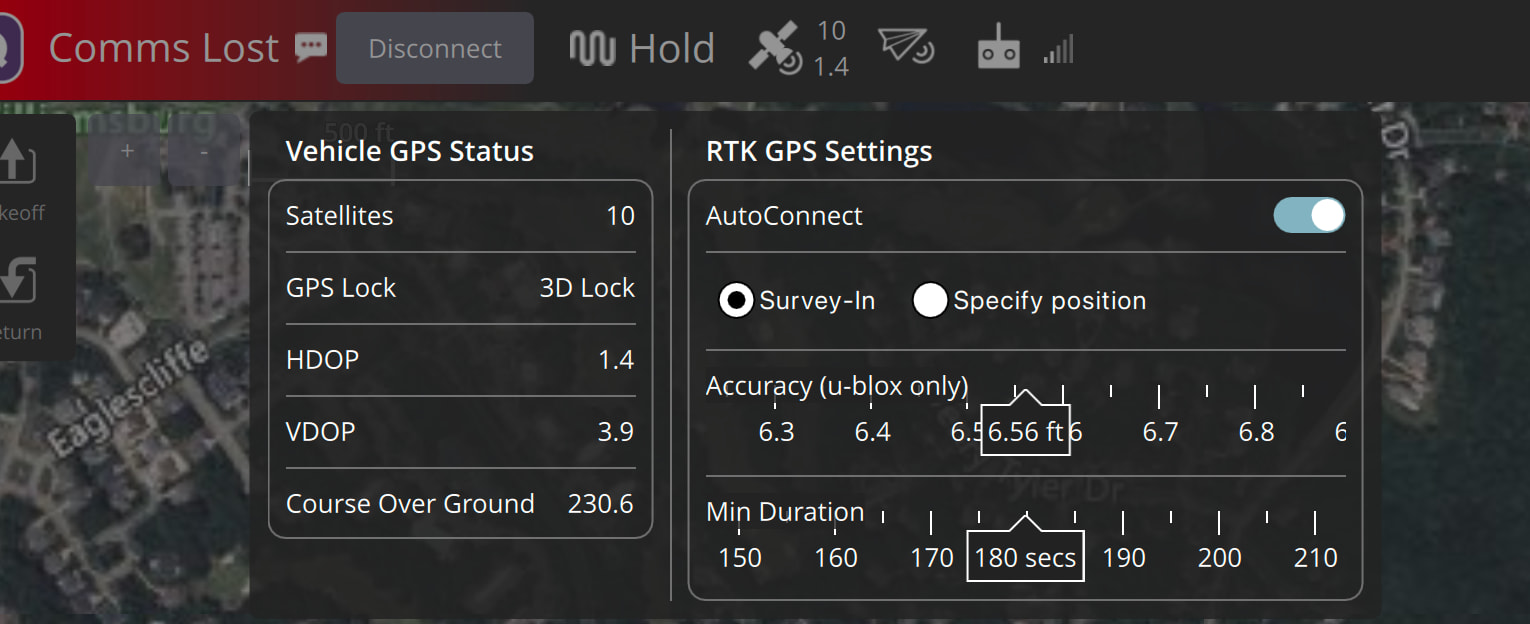
Hello @zhangy10 I am trying to get RTK (NTRIP) configured in my QGC v5.0.8 64bit running on my MacBook Pro Sequoia 15.7.2. Somehow I cannot find the configuration page to enter RTK server details. How did you configure and enter NTRIP server URL and username and password to connect to that NTRIP service in QGC?

Any help is much appreciated.

Mustafa

Hello @zhangy10 I am basically using gnssntripclient Python library and a small Python script that connected to the NTRIP server with username and password and port number. I created an UDP comm link in QGC and point to that port number. I confirmed with NTRIP service provider that I was connected to their NTRIP server. Should I be seeing RTK icon in the main window at the top of QGC?

Mustafa