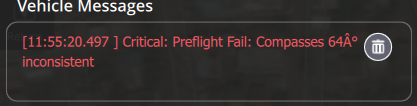
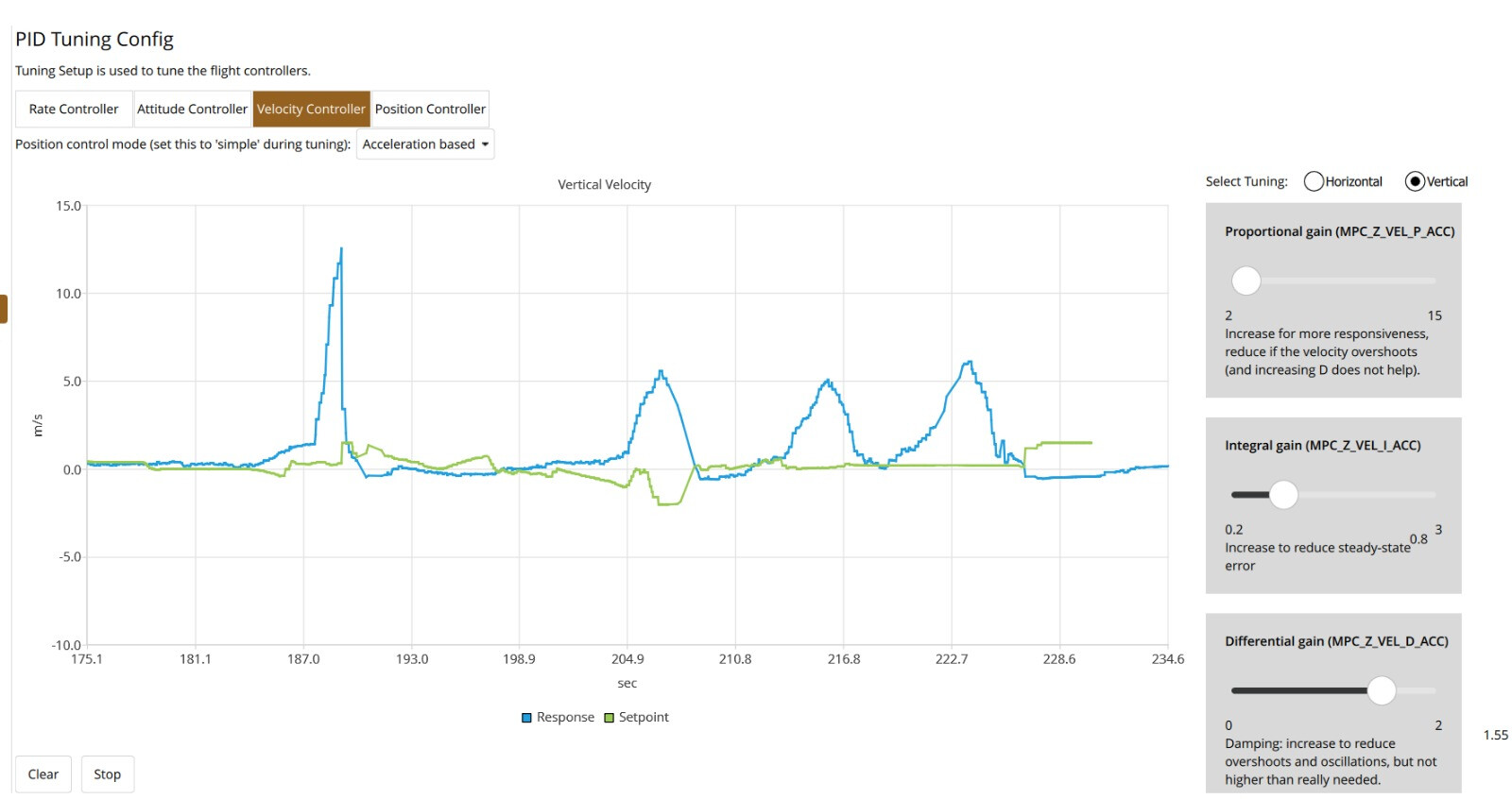
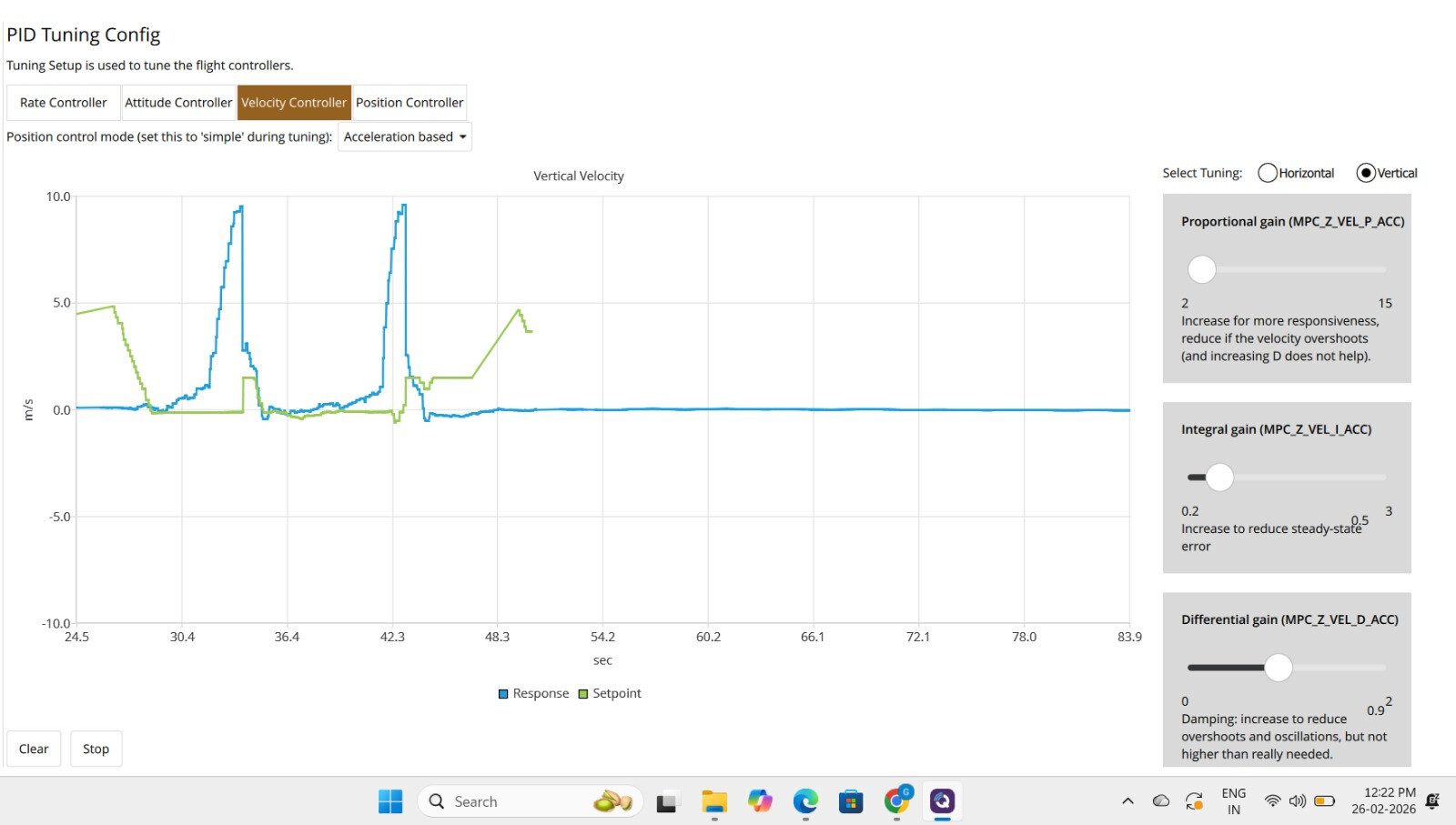
I am using QGroundControl with Pixhawk 2.4.8 for my F450 quadcopter. After the calibration process, the compass is showing compass x(number) A deg inconsitstent. For reference i have attached an external gps powered by Ublox 7m also i have tried to mount in different location also still i cant resolve the issue.
Also tried to calibrate the drone outside in the open space still same issue.
Thanks for reading
a) This is not really a QGroundControl issue. Rather a drone related issue and should be placed in such an appropriate category.
b) You didn’t supply any information regarding what system you are using. Is it PX4 or Ardupilot ? - What version?
c) a .bin file would be helpful to see what is going on
d) such problems are often related to wiring being close to FC. Especially wiring to motors or main wires from battery. Those can create a strong magnetic field and impact on the performance of any compass. –> Twist those sort of wires if possible. This can help to reduce impact from magnetic interference.
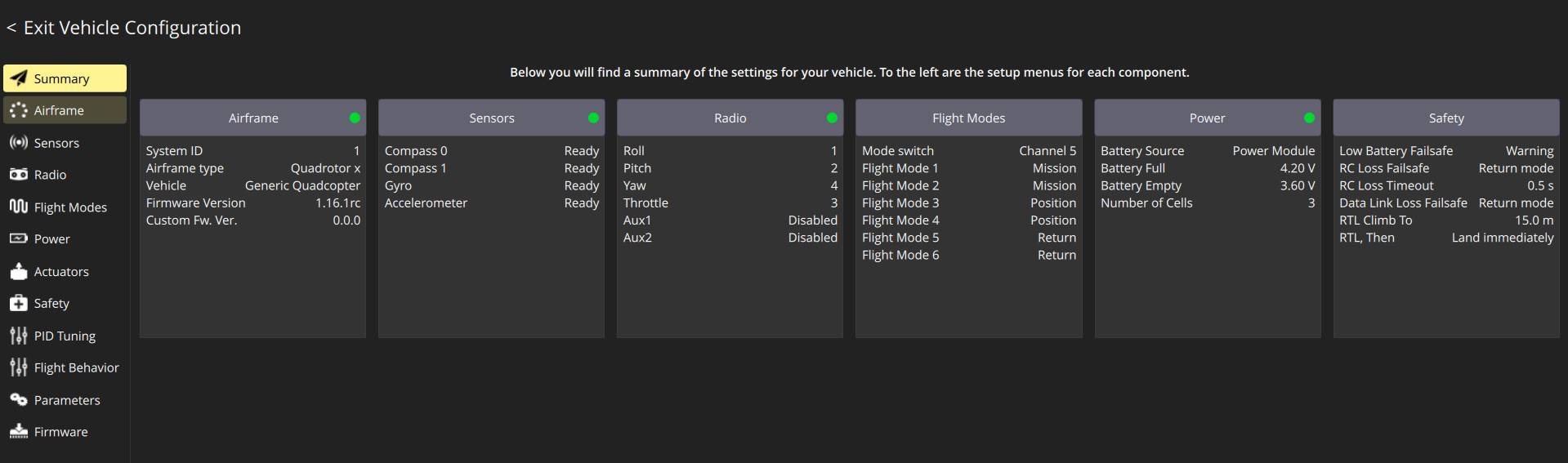
actually i am using PX4-1.16.1rc
what i tried and worked for me was disabling the COM_ARM_MAG to -1 (PS: I believe disabling this might have created some issue)
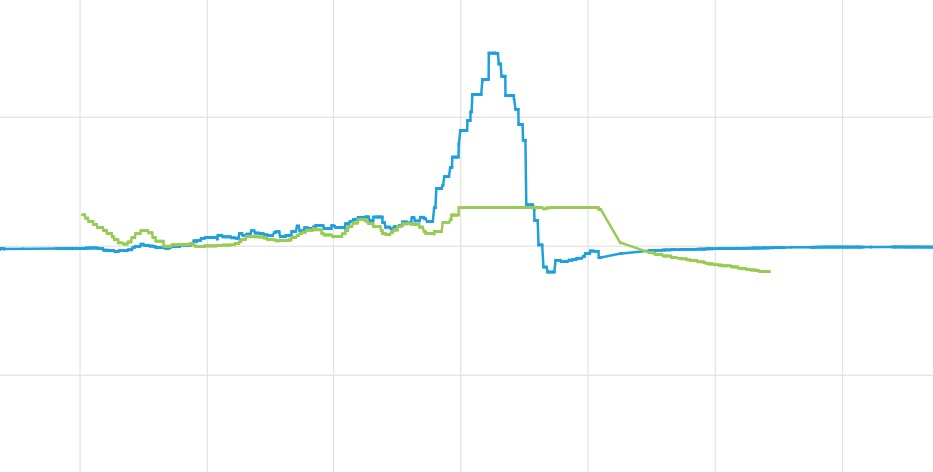
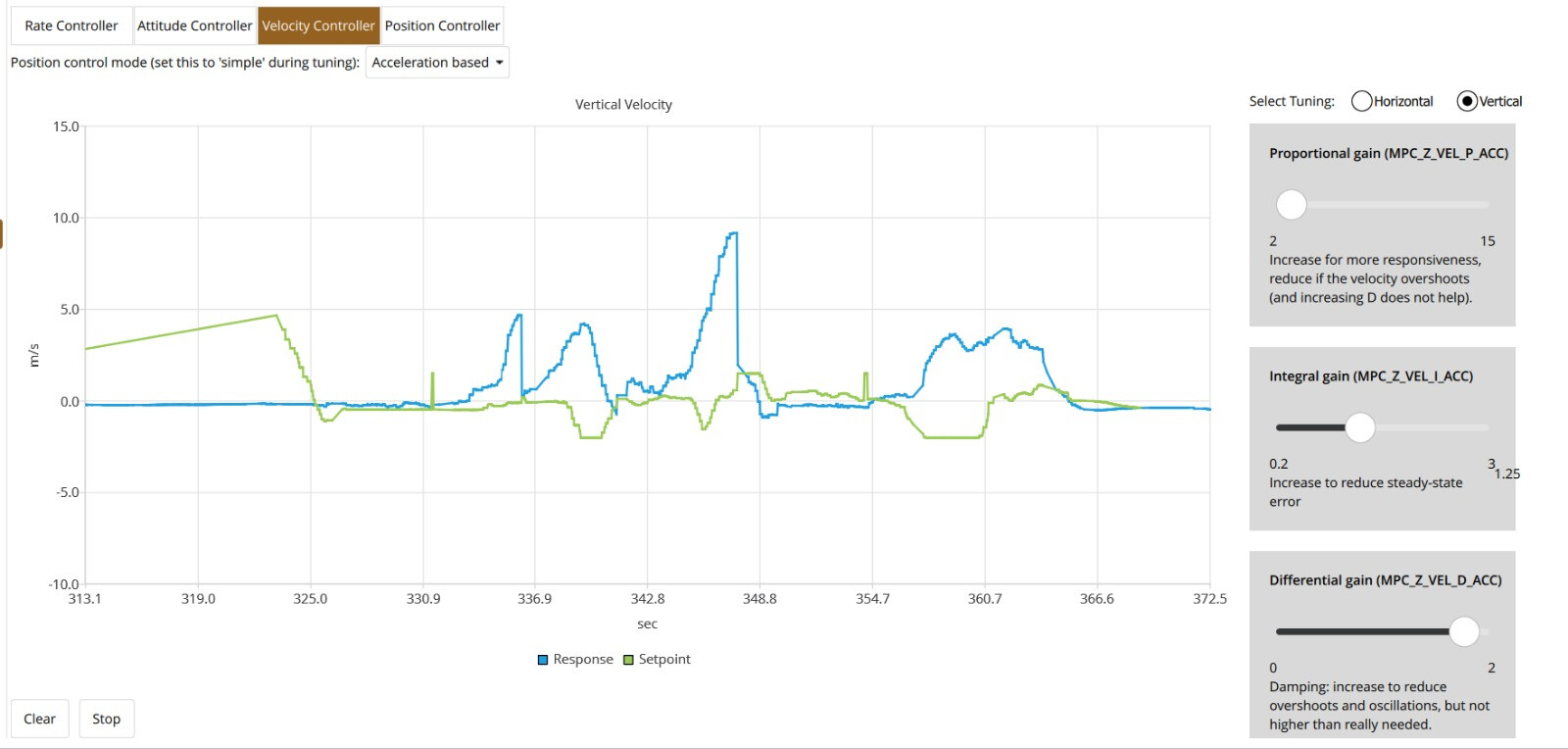
But now, when i am flying the drone, the drone is bouncing and hitting the ground again and again (LINK of video given - Drone Log and Video). Also, I have attached a .ulog file if it would be helpful
Any Help would be appreciated
I have changed the battery to new one but now the motor are getting directly extreme throttle after arming when the input throttle is too low this are the log files while i was testing on thrust stand Log 2, Log 3, and Log 4.
I have calibrated my RC but when i am connecting via mirco usb cable the radio input shown on QGroundcontrol is very smooth but when i connect it via telemetry the radio input shown on QGC is very laggy. Is there any way to fix it?
Yes there is delay in the motor response when using manual mode. I Have tried RC and ESC calibration multiple times but still the same problem. Also when i am connecting wireless the RC inputs shown on QGC are very laggy. and i have changed the wires of the reciever connected to pixhawk.
It works fine until Arming but it between i see jump in Throttle or the drone is unable to take inputs