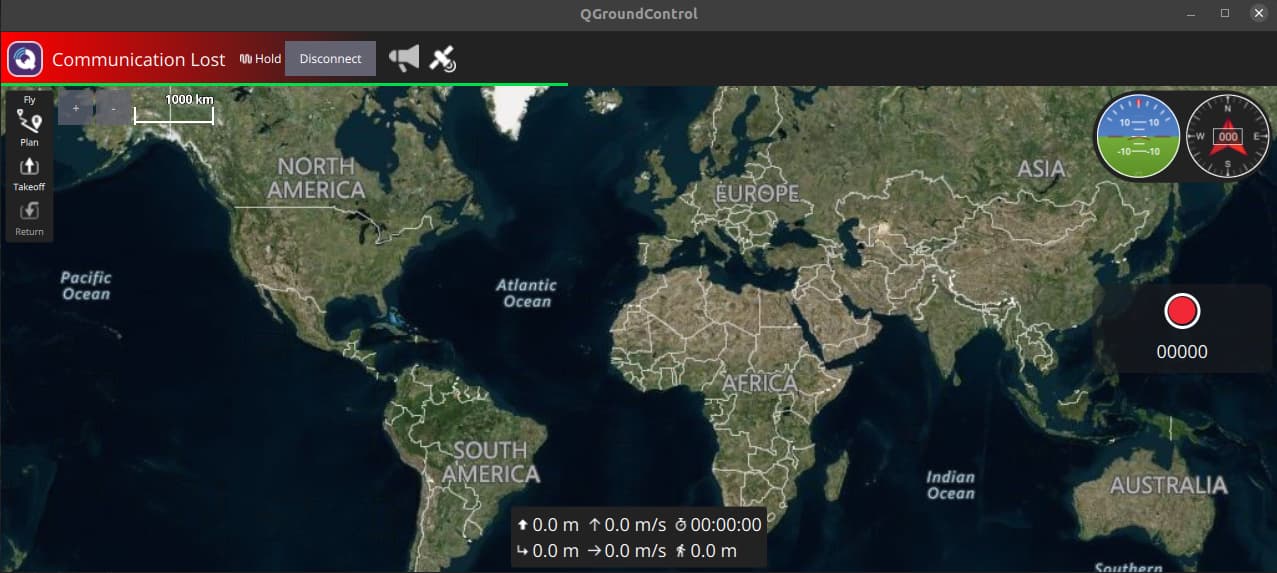
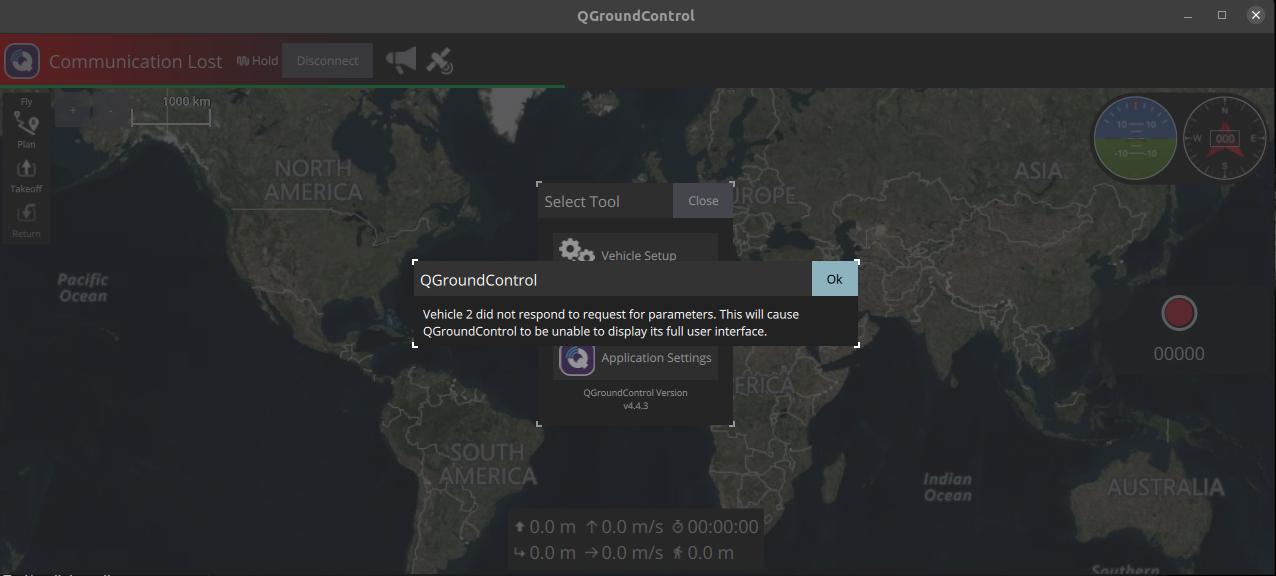
I have Pixhawk 6x pro connected via a Type-C cable showing /dev/ttyACM0. I added in COM-LINK in QGC. QGC is connected for an instance and disconnected again
Following is the output of the terminal
mubashir@dell:~/Downloads$ ./QGroundControl.AppImage
Settings location "/home/mubashir/.config/QGroundControl.org/QGroundControl.ini" Is writable?: true
Filter rules "*Log.debug=false\nGStreamerAPILog.debug=true\nqt.qml.connections=false"
System reported locale: QLocale(English, Latin, United States) ; Name "en_US" ; Preffered (used in maps):  "en-US"
VideoReceiverLog: Stop called on empty URI
VideoReceiverLog: Stop called on empty URI
MAVLinkLogManagerLog: MAVLink logs directory: "/home/mubashir/Documents/QGroundControl/Logs"
Map Cache in: "/home/mubashir/.cache/QGCMapCache300" / "qgcMapCache.db"
qrc:/qml/QGroundControl/Controls/MainToolBar.qml:118:5: QML Image: Error decoding: file://home/mubashir/Downloads/warp-terminal_0.2025.04.02.08.11.stable.03_amd64.deb: Unsupported image format
setCurrentPlanViewSeqNum
setCurrentPlanViewSeqNum
"v5.0.7"
qml: clicked SerialConfiguration(0x55b6a886a020) null
 I checked on another laptop, and it is working fine. I checked the udev rules, and nothing seems wrong. I try reinstalling `QGC` multiple times
QGC version v.4.4.3
OS ubuntu-20.04 LTS